Should clients send documents by email or through a portal?
Match the channel to the sensitivity and frequency of the documents, then test the full client and staff handoff before adding a portal.
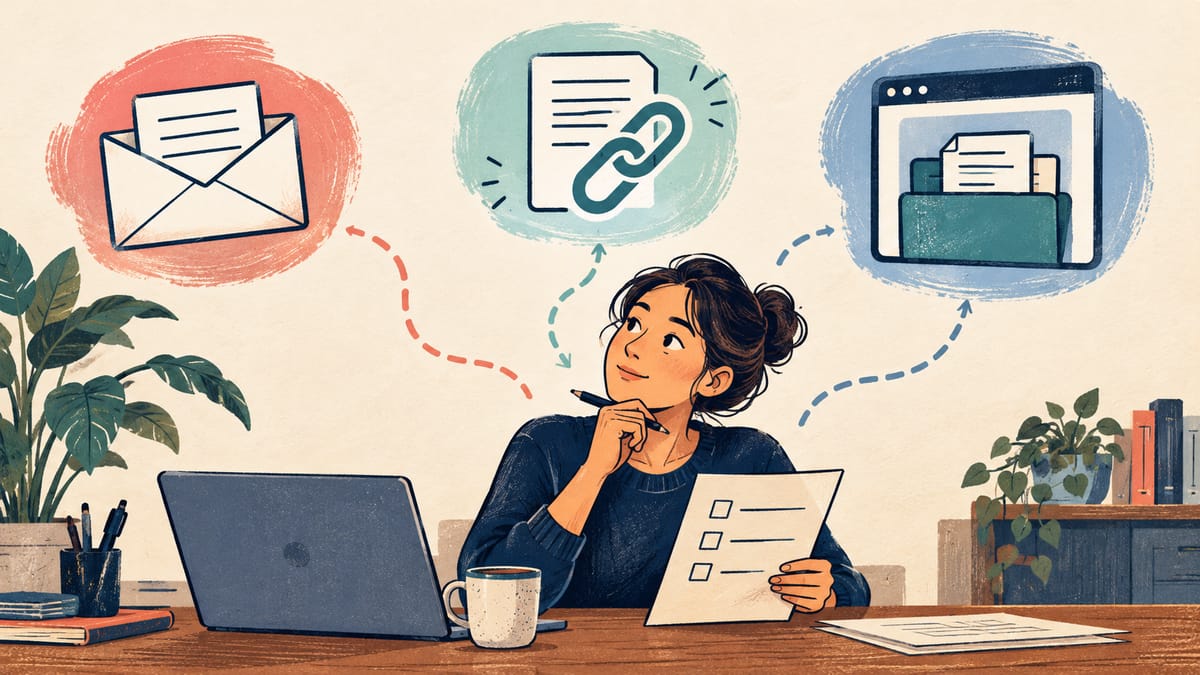
A new accounting client is ready to send records. They ask whether they should reply to your email with attachments or sign in somewhere. The answer affects more than convenience: it determines who can see the files, how staff know a submission is complete, and what happens when the wrong document arrives.
Use the lightest channel that gives the documents and people involved appropriate protection and a workable handoff. Ordinary email may be enough for a low-sensitivity exchange with an established contact. A controlled upload link can suit an occasional sensitive transfer. A portal becomes more useful when clients exchange sensitive files repeatedly, need to see status, or must return to the same records. None is automatically safe because of its name; the configuration and daily process matter.
This is a document-exchange decision, distinct from a first-contact form. The first inquiry can ask only enough to route the conversation. Once a professional relationship calls for records, decide separately where those records belong. Our accounting contact-form guide explains why the first form should avoid collecting tax documents.
Why clients may hesitate to share
In the Office of the Privacy Commissioner of Canada’s public-opinion survey, Figure 18, 78% of applicable Canadian respondents said they had refused to give an organization or business personal information because of privacy concerns. The weighted telephone survey reached residents aged 16 and older in early 2025. It asks about a reported action across organizations and situations; it does not measure whether clients prefer a portal, whether email attachments are rejected, or whether a portal increases completion. The report gives the overall telephone sample but not the exact base for that item.
The practical response is to explain what you need, why you need it, and how a client can send it. Do not ask for a full record simply because your upload form can accept one. A clear instruction can reduce unnecessary collection whatever channel you choose.
Compare the actual exchange, not just the login screen
| Channel | Often fits | What to verify |
|---|---|---|
| Email attachment | A low-sensitivity, occasional exchange where the sender and recipient are already known | Correct recipient, mailbox access, retention, attachment handling, and a way to confirm receipt |
| Controlled upload link | A specific file request without a continuing client workspace | Who can open the link, whether it expires or can be revoked, storage access, and where the file lands |
| Client portal | Repeated sensitive exchanges, several stages of a matter, or a need to show clients what is outstanding | Identity checks, staff roles, notifications, accessible use, retention, export, support, and recovery |
Email is familiar, but its ordinary transport protection is not the same as end-to-end confidentiality. The Canadian Centre for Cyber Security’s email guidance explains that mail can pass through several servers and that transport encryption does not guarantee every hop or protect a message after it is stored. The guidance says a web portal protected by HTTPS may be more appropriate for sending and receiving sensitive information, with encryption of stored data as well. That is a reason to evaluate a portal, not proof that any portal is secure.
A file link can avoid attaching the document to a long email thread, but a link forwarded to someone else may still expose the file if access depends only on possession of the URL. Check the provider’s actual access settings and what happens when the link expires. Do not label a link “secure” in client instructions until someone has tested it as a recipient.
A portal can give each client a place to upload and retrieve files, but it adds account setup, password or sign-in support, permissions, notifications, and upkeep. If most clients submit one form once, a portal login may create more work than it removes. If staff then download every file into an unmanaged shared folder, the portal has only moved the weak point.
Map one real document journey
Start with a fictional or sanitized example that matches the work you actually do. A bookkeeping firm might request records for an existing client. Write down who asks, what document is needed, when the client should send it, who may open it, and when it should be removed under the firm’s retention rules. Identify the point at which the business confirms receipt and the point at which a professional confirms the material is usable. Those are different events.
Follow the journey from both sides. Can the client tell that the request is genuine? Can they open the channel on a phone, upload the file they actually have, and understand a size or format error? Can they see whether the submission arrived without exposing its contents in a notification email? Can staff associate the file with the correct client and matter? What happens if the file is incomplete, mislabelled, or sent by the wrong person?
Write an alternative route for clients who cannot use the chosen channel. A portal that is inaccessible on a phone, requires an unavailable device, or leaves a client locked out at a deadline is an operational problem. Make the alternative clear without inviting sensitive records into an unmonitored general inbox.
Treat the provider as part of the decision
Ask where uploaded files and backups are stored, who at the provider and your business can access them, how access is logged, and whether staff can remove access when a person leaves. Check how the provider handles deletion, export, service outages, and a client who wants a copy of their records. The Privacy Commissioner’s guidance on assessing third-party service providers advises organizations to examine access, security, retention, deletion, subcontractors, and ongoing monitoring. It also explains that using a provider does not transfer the organization’s privacy responsibility away.
Have the business’s privacy or legal adviser review the proposed collection and retention for its jurisdiction and profession. Accounting, legal, health, and other regulated work can have obligations beyond a general website checklist. Avoid promising that a vendor’s certification alone settles those obligations. Decide who handles a suspected wrong-recipient upload or compromised account before real records enter the system.
If the provider includes automated summaries or AI features, find out whether they are enabled, what data they process, and whether client documents are used for any secondary purpose. Turn off features you do not need until the business has reviewed their data path and authority. A file-transfer task does not require an AI system by default.
Pilot the handoff before inviting everyone
Test with non-sensitive sample files and people who did not set up the tool. Ask one person to act as a client on a phone and another as staff receiving the file. Check the invitation, identity step, upload, error state, receipt message, staff notification, download, and removal. Then try a lost invitation, a duplicate file, an expired link, and a staff departure. Record what each person thought had happened and what the system actually recorded.
Also test a plain email or controlled-link workflow against the same cases. A portal earns its place if the repeated work, client experience, and safeguards justify its setup and maintenance. If a simpler method handles the real volume and sensitivity well, keep it. Do not infer time savings from a polished demonstration; include the staff work of reviewing files, answering access questions, correcting mistakes, and maintaining records.
The right channel is the one your clients can use and your team can operate responsibly. If document exchange is part of a website or custom software project, discuss the workflow with Red Comet. We can help define the client path and technical scope; the business and its advisers should approve the document, privacy, and retention rules.
Sources
- Office of the Privacy Commissioner of Canada, 2024–2025 Public Opinion Research on Privacy Issues, Figure 18, final report March 2025.
- Canadian Centre for Cyber Security, Email security best practices, modified August 26, 2025.
- Canadian Centre for Cyber Security, Spotting malicious email messages, modified January 28, 2026.
- Office of the Privacy Commissioner of Canada, Guidance on assessing third-party service providers, modified September 10, 2026.