Should your small business start an email newsletter?
A newsletter works best when readers have a reason to hear from you again and your team can maintain a useful, permission-based update.

Your business has a website and a growing list of people who have asked about its services. Should you add a newsletter signup, or will it become another form to maintain and another message that nobody needs?
Start an email newsletter when you can name the reader, the recurring information that helps them, and the person who will keep it accurate. Build a clear permission and unsubscribe process before collecting addresses. If you only have an occasional announcement, a well-kept website and direct responses to inquiries may serve people better.
Email marketing is a real channel, but its use is not evidence that it will pay off for your business. Statistics Canada’s table on types of web presence reports that 8.1% of Canadian private-sector micro-size enterprises used email marketing in 2023. The table defines micro-size as zero to four employees. “Email marketing” is broader than a newsletter, and the survey figure says nothing about subscriber interest, sales, or return on effort. It is a description of adoption, not a target to chase.
Decide what the reader would gain
Imagine an Ottawa bookkeeping practice. A prospective client who is comparing firms needs clear service pages and a reliable way to ask a question. A current client may appreciate a timely reminder about an approved document-preparation process or a change to the practice’s own hours. The second need could justify an email update; the first does not automatically justify putting a newsletter box on every page. This is a planning example, not a claim about a real firm’s clients or results.
Write one sentence before choosing software: “This email helps [specific reader] do [specific task] when [occasion] occurs.” Good candidates include seasonal preparation, new service availability, a useful explanation of a common decision, or a concise digest of material already published on your site. Keep information within your competence and review dates and links before it goes out. A generic promise of “news and offers” gives a visitor little reason to subscribe.
Ask how often you have something genuinely useful to say. A regular schedule can help a team plan, but a promised weekly email becomes a liability if there is no owner or worthwhile content. A less frequent, accurate update is a reasonable choice. If the audience needs urgent operational notices, use the right service channel for those notices rather than assuming a marketing newsletter will reach everyone in time.
Map the path before adding a signup box
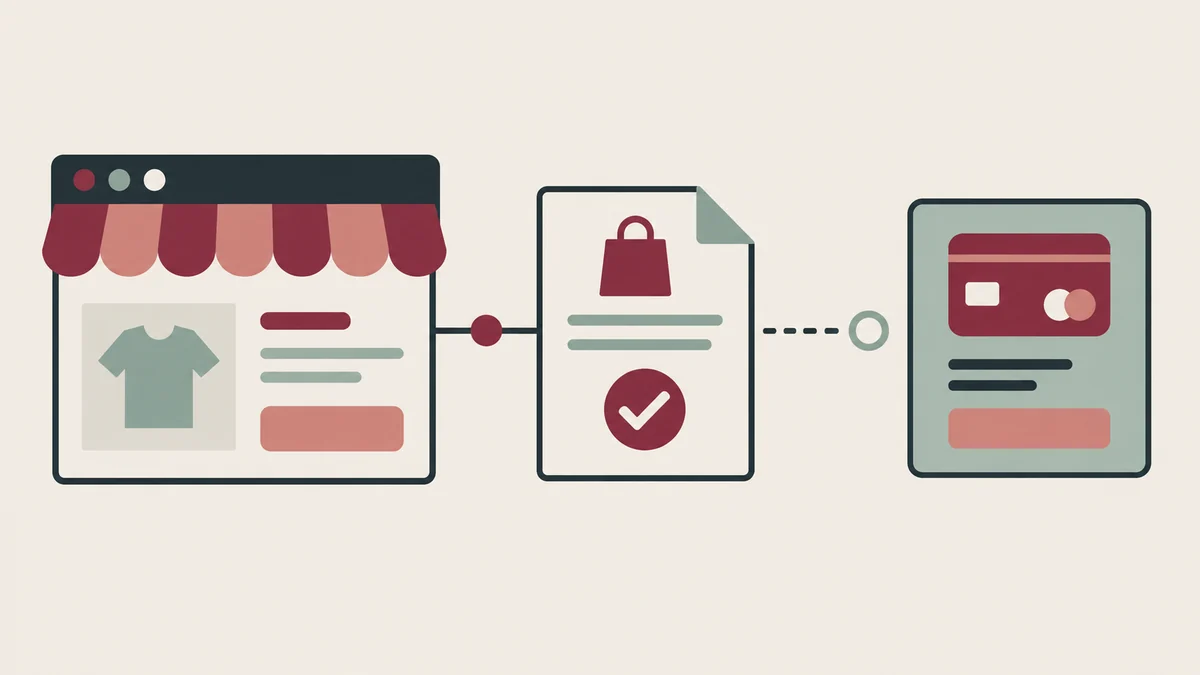
Follow the whole journey: where someone sees the offer, what the form promises, what happens after submission, where the address is stored, what the first email says, how a person unsubscribes, and who handles a complaint or correction. A polished form is only the visible piece. The handoff between the site and the mailing system deserves the same attention as the page design.
Make the invitation specific. Say what kinds of messages people can expect and identify the sender. Ask for only the information needed to deliver the update; an email address may be enough. Keep the signup separate from a service inquiry so someone can ask for a quote without being enrolled in marketing. Do not import an old contact list into a new campaign merely because the business has the addresses.
For commercial electronic messages in Canada, the CRTC explains that senders generally need consent, sender identification, and an unsubscribe mechanism. Express consent requires a proactive action, such as choosing to sign up on a website. Implied consent exists only in defined circumstances and can expire; the sender must be able to prove the basis for it. A prior inquiry or public email address is not blanket permission for an indefinite newsletter. Have someone responsible for compliance review the actual audience, signup wording, records, and sending process before launch. The rules can depend on the message and relationship, so a generic template cannot settle every case.
Keep evidence of how and when each subscriber agreed and which wording they saw. Test that an unsubscribe works from the received email and updates the sending list. The CRTC’s guidance says a sender must honour an unsubscribe request within 10 business days. That is a maximum, not a reason to make people wait; an immediate automated removal is easier for a reader to understand and for a small team to operate.
Make the email useful outside the design mockup
Write a descriptive subject line and put the main point near the top. Use short sections, meaningful links, readable type, and enough contrast. An image can add context, but it should not carry the only copy of a deadline or instruction. Give informative images alternative text and treat decorative images as decorative. Review a plain-text version where the sending tool provides one. Test with images blocked, keyboard navigation, a narrow phone screen, and the inboxes your customers actually use.
If your website serves both English and French readers, decide what the signup promises in each language. A French form that leads to English-only emails is a poor handoff unless that limit is stated clearly before someone subscribes. A separate language preference may be useful only if the team can maintain approved messages and unsubscribe flows in both languages. The W3C’s form guidance is a useful starting point for labels, instructions, errors, and confirmation messages on the signup page.
Link back to a page that stays useful after the email is sent. A short note can point to a current service explanation or Journal article rather than trying to make an inbox message the only copy of important information. Check that the destination works on a phone and that the page’s facts match the email. For time-sensitive claims, name the relevant date and jurisdiction, and arrange a review before reuse.
Give the channel an owner and a stop rule
Name who drafts, checks, approves, sends, and answers replies. That can be one person in a small business, but the work still needs a calendar and a backup when that person is away. Include the effort to keep the list clean, maintain the signup and unsubscribe connection, check links, update privacy information, and handle requests from readers. If a vendor is involved, review who can access subscriber data and what happens if you leave the service.
Choose a modest pilot with a clear purpose. Record how many people knowingly sign up, which messages are delivered, which links are used, what readers ask or object to, and how much staff time each edition takes. Treat opens cautiously: they are a rough technical signal, not proof that someone read or valued the message. A reply that leads to a useful conversation may be more informative than a large list. Compare results to the purpose you wrote down, and stop or simplify if the benefit does not justify the work.
A newsletter can strengthen a relationship when people expect it and each send earns its place. It cannot repair unclear service pages or a slow response to inquiries. Start with the reader’s task, a consent path, and a realistic publishing routine. If you are planning a website that needs clear service information and a thoughtful signup journey, discuss the website scope with Red Comet. We can help plan the page and visitor path; your business remains responsible for its messages, audience, and sending decisions.
Sources
- Statistics Canada, Table 22-10-0120-01, Types of web presence by industry and size of enterprise, released September 17, 2024; 2023 data. The underlying Survey of Digital Technology and Internet Use release explains the survey population and size categories.
- Canadian Radio-television and Telecommunications Commission, Guidance on Implied Consent, modified August 5, 2024; and Frequently Asked Questions about Canada’s Anti-Spam Legislation.
- W3C Web Accessibility Initiative, Forms Tutorial, for signup labels, instructions, validation, and confirmation.