Should your small business website have a chatbot?
A chatbot earns its place when it answers a defined visitor question and hands the rest to a person. Start with the task, then test the tool.

A visitor opens your website after hours and asks whether you serve their neighbourhood. Would a chat window make that easier to answer, or would it add another place for your team to miss a message?
Add a chatbot only when you can name the visitor task it will improve, supply reliable answers, and provide a clear route to a person. For many small service businesses, a better service page, a short FAQ, and a dependable contact form are the first fixes. A chat tool can be useful when visitors repeatedly need help finding the right information or starting a conversation. It is not a substitute for accurate pages or a staffed follow-up process.
The interest is real, but adoption is not proof of value. In Statistics Canada’s analysis of its Canadian Survey on Business Conditions, 28.2% of businesses that reported using AI to produce goods or deliver services also reported using virtual agents or chatbots in the preceding 12 months. The survey was collected in April and May 2026 and applies to Canadian employer businesses. This is a share within businesses using AI, not a share of all businesses. The category includes virtual agents beyond public website chat, and the survey does not measure whether a chatbot helped customers, generated inquiries, or paid for itself.
Start with the questions people already ask
Look at recent calls, emails, form submissions, and conversations with staff. Group the questions by the action a visitor is trying to take: checking fit, understanding a service, finding an area served, preparing for an appointment, or reaching the right person. Remove names and sensitive details before reviewing examples.
For each recurring question, ask whether a visitor can answer it from the current site. If the answer is buried, rewrite the page and link to it from the obvious place. If the answer changes by client or requires a professional judgment, a conversation may be appropriate. If the answer depends on a staff member checking availability, no automated reply should imply that a booking is confirmed.
An Ottawa bookkeeping practice might receive “Do you work with new corporations?” and “Can I send my tax documents here?” The first may call for a clear service and client-fit page. The second needs an explicit, safe intake instruction, not an open chat box inviting financial records. The example is a planning exercise, not a claim about a real practice or its results.
Choose the lightest useful interaction
A well-written page or FAQ makes a stable answer visible to everyone, including search visitors. It needs an owner who updates it when the service changes. A guided contact path can present a few plain-language starter choices and then open a short inquiry form. It may feel conversational without generating answers. A live chat can connect someone to staff, but only if the business can state its staffed hours and handle messages that arrive when nobody is available. A generative AI chatbot can respond to more varied wording, yet its answers and data handling need substantially more review.
Consider a familiar floating help button if people need support while reading several pages. Keep it easy to close, and do not cover the page’s main action on a phone. Let the visitor reach a normal contact route without using the chat. A helpful prompt might offer “Find a service,” “Ask about an appointment,” and “Contact the team,” then move naturally to the relevant page or an inquiry. Those are interface examples, not a claim that Red Comet currently operates a live AI service.
The choice should follow the job. If the main issue is that visitors cannot find your service area, make that information prominent. If visitors have variable questions and someone can review escalations, a limited chatbot pilot may be worth testing. Do not buy a chat tool simply because another site has one.
Put boundaries around answers and information
Write down what the tool may answer from approved, current content and what it must hand to a person. Identify who maintains that content and who reviews mistakes. A bookkeeper’s bot, for example, could point to published service descriptions and intake instructions. It should not assess a visitor’s tax position, promise a fee, or confirm that the practice has accepted a new client unless a person or a verified system has made that decision.
For an AI tool, test the provider’s settings and contract against the actual conversation path. Where are transcripts stored? Who can read them? How long are they retained? Are prompts used to improve a model? Can a visitor delete or correct information? What happens if the provider is unavailable? Have the business owner and its privacy adviser decide which information may enter the tool, especially for regulated or sensitive services.
The Office of the Privacy Commissioner of Canada’s principles for generative AI specifically discuss public-facing chatbots. They call for clear notice that a visitor is interacting with AI, understandable information about privacy risks, and a way to avoid entering personal information when it is unnecessary. Applicable legal duties vary by jurisdiction and activity. A generic “By chatting, you agree” notice is not a complete review of those duties.
Make the handoff honest. Say whether a person is available now, when a message will be reviewed, and whether the reply is advice or general information. If the tool cannot answer, give a real contact method. Confirm that an inquiry reaches the right inbox and that staff can see enough context to respond without making the visitor repeat sensitive details in a new channel.
Test the whole visitor journey
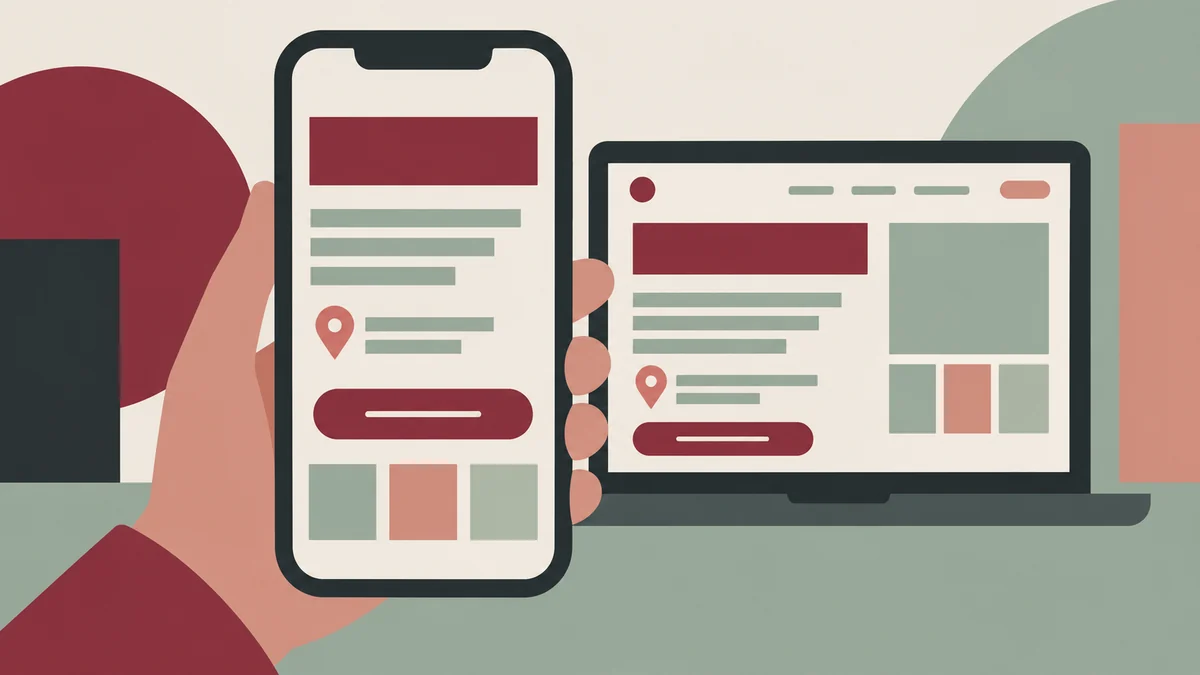
Create a small set of realistic tasks from the questions you collected. Include a routine question, an ambiguous question, a request outside your service scope, an urgent or sensitive request, and a request in each language your site offers. Ask a person unfamiliar with the setup to try the journey on desktop and phone. Check whether they find the answer, understand the tool’s status, and can reach a person.
Test errors as carefully as successful answers. Give the tool outdated content and see whether it makes up a confident reply. Ask it to book something it cannot book. Enter a message without contact details, close and reopen the widget, use only a keyboard, enlarge the page, and try a screen reader. W3C’s forms guidance covers labels, instructions, validation, notifications, and time limits that matter for any chat intake form. Its preliminary accessibility checks offer a practical starting point; passing an automated scan alone is not a complete usability test.
If the website is bilingual, review both the interface and the answer content with a fluent person. A French welcome message followed by English-only answers or an English-only contact form is an incomplete journey. Maintain the approved content and escalation instructions in both languages you actually support, and be candid when one language is unavailable.
Decide what would justify keeping it
Before launching, record the baseline: the questions staff handle, whether the current pages answer them, and whether inquiries reach the team. After a pilot, review conversations with personal details removed. Count questions answered accurately, questions handed to a person, wrong or outdated answers, abandoned conversations, and messages that staff could actually follow up. Interpret those counts alongside the volume and type of visits; a short trial cannot prove that chat caused a sale.
Also count the work behind the tool: reviewing transcripts, updating answers, handling privacy requests, paying provider and support costs, and maintaining the widget as the site changes. If visitors still need the same explanation from staff, improve the page or handoff before expanding automation. If a simple contact path works better, keep it simple.
A useful chatbot is a maintained part of a service process, not a decoration. Start with a clear visitor question, choose the smallest interaction that helps, and give a person ownership of the answer and follow-up. If you are planning the pages and contact path of a new site, discuss the website scope with Red Comet. We can help map the visitor journey and define what a website interaction would need to do; the business owns its service answers and response process.
Sources
- Statistics Canada, Analysis on artificial intelligence use by businesses in Canada, second quarter of 2026, released June 11, 2026; Canadian Survey on Business Conditions, collected April 1 to May 6, 2026.
- Office of the Privacy Commissioner of Canada, Principles for responsible, trustworthy and privacy-protective generative AI technologies, published December 7, 2023.
- W3C WAI, Forms Tutorial, updated March 27, 2026; Easy Checks – A First Review of Web Accessibility.